Shreveport Community Church16.0.0
Publisher Description
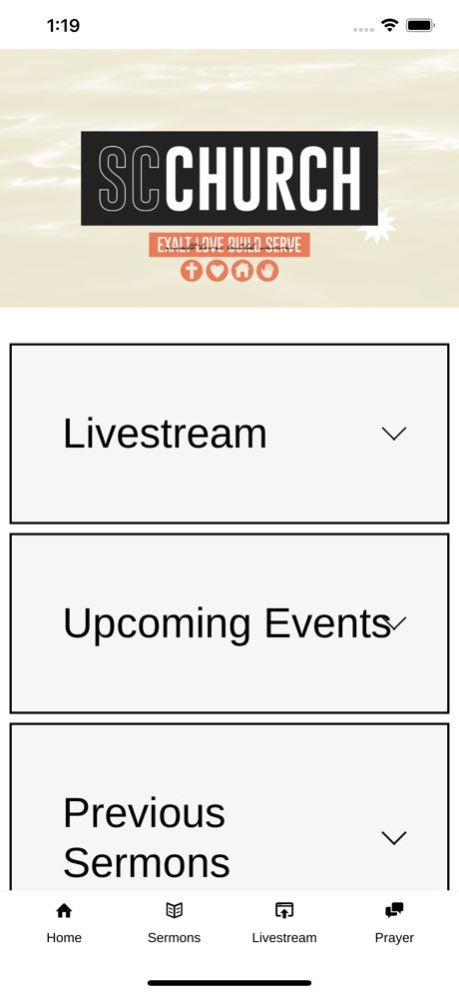
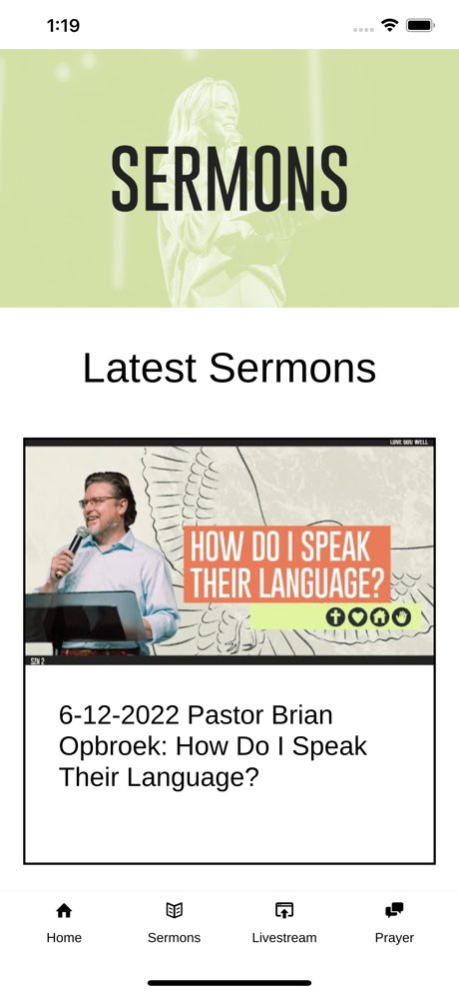
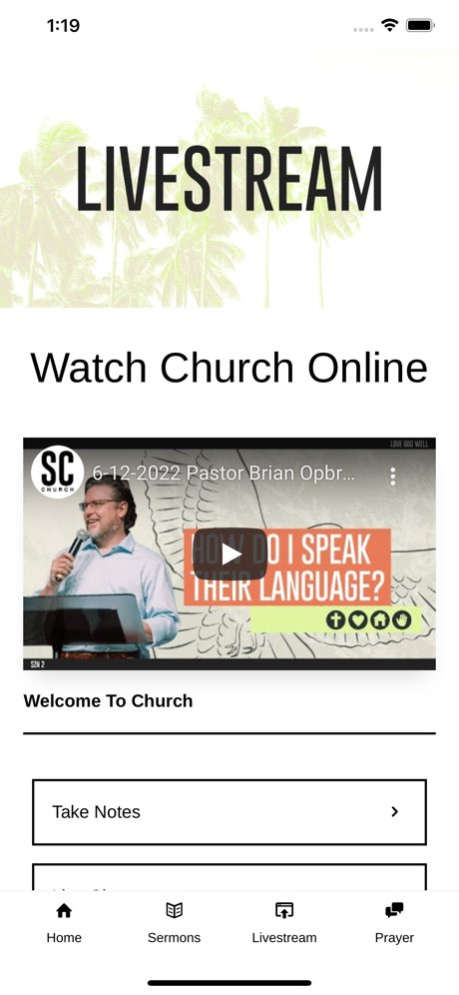
Connect and engage through the Shreveport Community Church app!
Download our app to discover media content, connect with groups, fill out prayer request cards, give, read the Bible, access sermon notes, and more! Shreveport Community Church exists to Exalt Jesus, Love Each Other, Build His Church, and Serve Humanity! We believe THE BEST IS YET TO COME for your life!
Version History Updated features, menu, and content. 16.0.0 06/14/2022 A smoother than ever user-experience, including faster content updates and visual enhancements such as content upload notice and reload button. 15.3.6 08/15/2021 - Updated App Logo 15.3.0 09/03/2019 - Updated App Icon
- Updated Screenshots 15.2.0 08/22/2019 15.1.0 05/29/2019
About Shreveport Community Church
The company that develops Shreveport Community Church is Shreveport Community Church. The latest version released by its developer is 16.0.0.
To install Shreveport Community Church on your iOS device, just click the green Continue To App button above to start the installation process. The app is listed on our website since 2026-09-24 and was downloaded 1 times. We have already checked if the download link is safe, however for your own protection we recommend that you scan the downloaded app with your antivirus. Your antivirus may detect the Shreveport Community Church as malware if the download link is broken.
How to install Shreveport Community Church on your iOS device:
- Click on the Continue To App button on our website. This will redirect you to the App Store.
- Once the Shreveport Community Church is shown in the iTunes listing of your iOS device, you can start its download and installation. Tap on the GET button to the right of the app to start downloading it.
- If you are not logged-in the iOS appstore app, you'll be prompted for your your Apple ID and/or password.
- After Shreveport Community Church is downloaded, you'll see an INSTALL button to the right. Tap on it to start the actual installation of the iOS app.
- Once installation is finished you can tap on the OPEN button to start it. Its icon will also be added to your device home screen.
Program Details
System requirements
Download information
Pricing
Version History
version 16.0.0
posted on 2026-09-24
Version History Updated features, menu, and content. 16.0.0 06/14/2022 A smoother than ever user-experience, including faster content updates and visual enhancements such as content upload notice and reload button. 15.3.6 08/15/2021 - Updated App Logo 15.3.0 09/03/2019 - Updated App Icon
- Updated Screenshots 15.2.0 08/22/2019 15.1.0 05/29/2019
version 16.0.0
posted on 2022-06-14
Jun 14, 2022 Version 16.0.0
Updated features, menu, and content.
version 16.0.0
posted on 2022-06-14
Updated features, menu, and content.
version 15.3.6
posted on 2021-08-15
Aug 15, 2021 Version 15.3.6
A smoother than ever user-experience, including faster content updates and visual enhancements such as content upload notice and reload button.
